Generate an API Key
Guide to generate API keys.
Welcome to the B2B CRM API documentation. This API allows developers to build applications that integrate with various CRM entities such as:
- 🏢 Companies
- 🧑 People (Contacts)
- 📋 Leads
- 📈 Deals
- ✅ Tasks
- 📞 Calls
- 📝 Notes
- 👥 Workspace Members
- 🔐 API Keys
The API follows the OpenAPI 3.1.1 specification and supports standard CRUD operations, pagination, filtering, sorting, and relational linking between entities.
All endpoints are secured via Bearer Token authentication (JWT or API Keys).
🔐 How to Create an API Key
API Keys can be used for service-to-service authentication. Here's how to generate and use an API Key on the B2B CRM platform:
Step 1: Sign In
Log into your workspace on the B2B CRM Platform using your credentials.
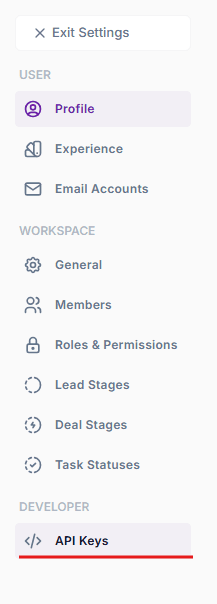
Step 2: Navigate to API Keys Section
In the navbar, click on settings icon:

- Go to Settings
- Click on API Keys in the settings sidebar
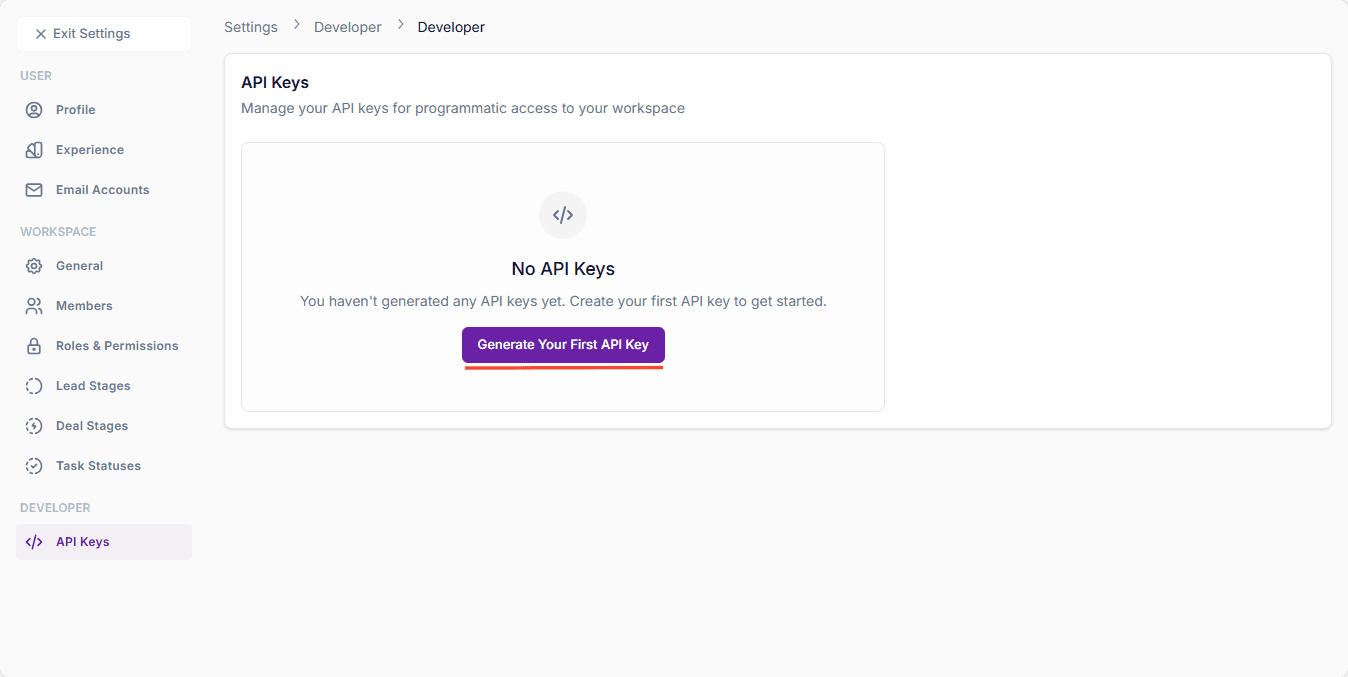
Step 3: Generate New API Key
- Click on Generate New Key button
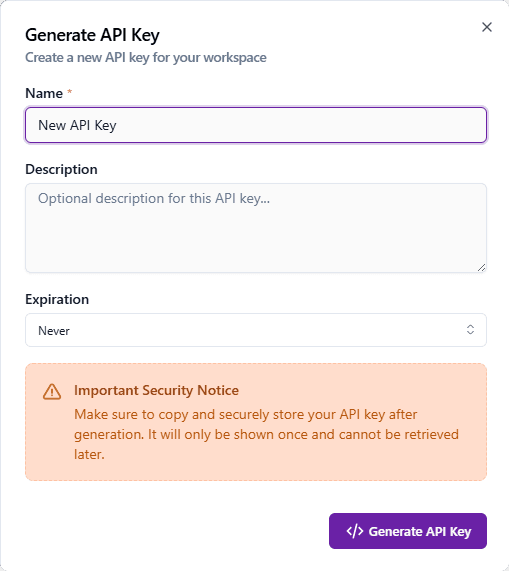
- Fill out the create new key form and click on Generate API Key button
- A New API key should get generated.
- Please save this API key somewhere safe, as it will not be shown again.
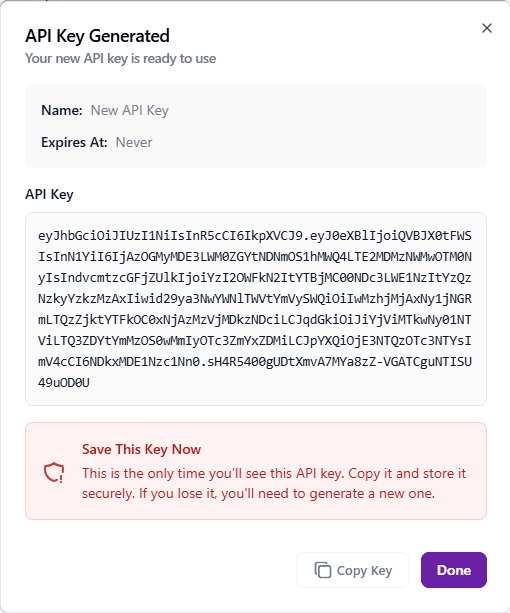
- Click on Done to close the dialog.