Records
Companies
Manage organizations and link them with contacts, leads, and deals.
The Companies Module lets you manage all organizations you interact with.
Companies act as the parent entity to which Contacts, Leads, and Deals are associated.
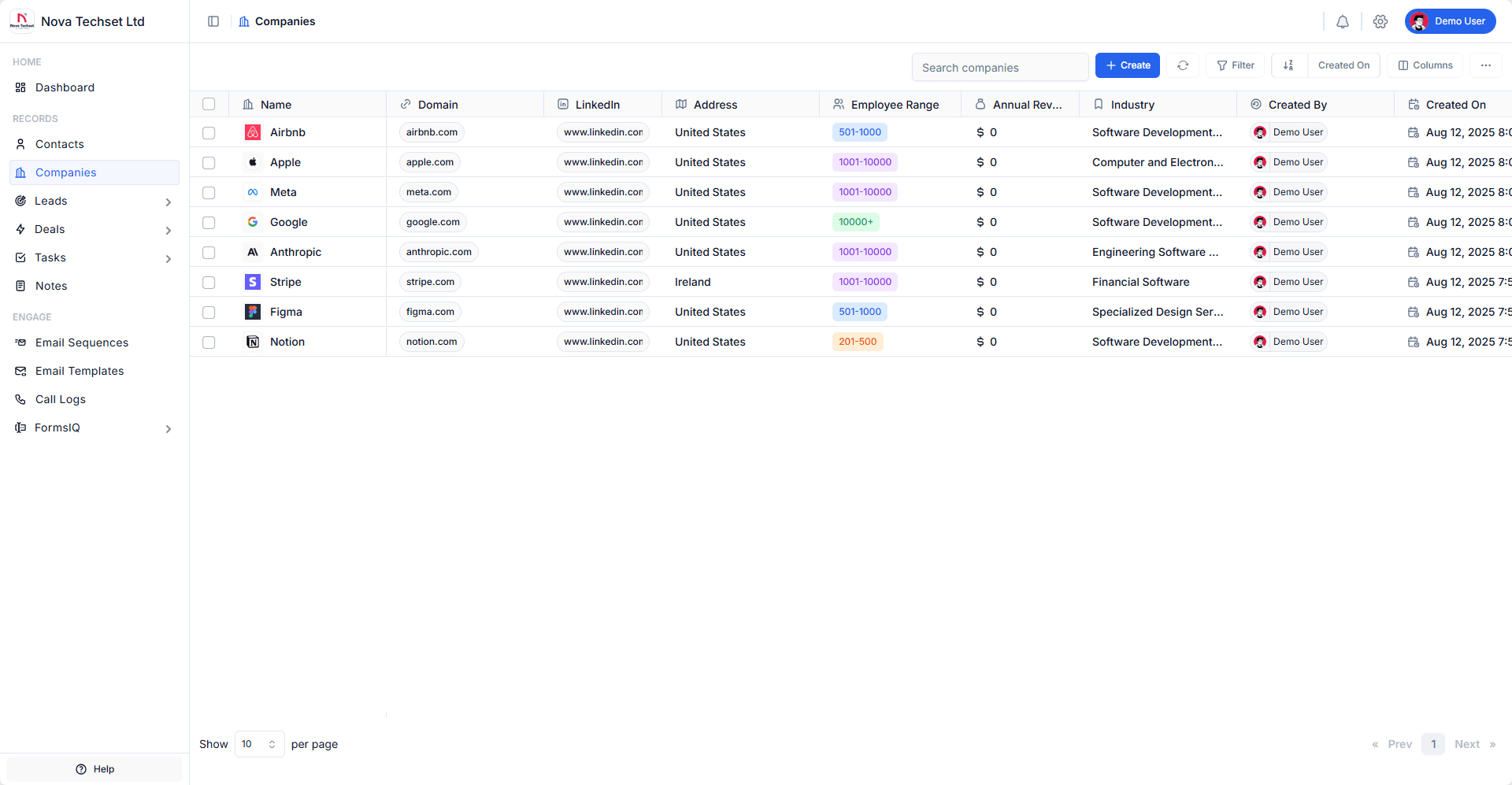
Key Features
-
Centralized Company Database
Store all your organizations in one place. -
Multi-Source Capture
Add companies manually, import via CSV/Excel, or sync from integrations. -
Company Enrichment
Automatically populate details such as website, industry, employee size, and revenue. -
Contact Association
Link multiple contacts to a single company for complete visibility. -
Activity Timeline
Track all interactions (emails, calls, meetings, notes) linked to a company.
Workflow
- Capture
- Create a company manually or bulk import.
- Auto-create companies when new contacts are imported.
- Enrich & Organize
- Add company details like name, domain, industry, size, and address.
- Associate contacts and leads with the company.
- Engage
- Log meetings, notes, and calls.
- View company-level activity history.
- Associate with Deals
- Link companies directly to deals to track revenue opportunities.
Example: Adding a Company
- Log in to your B2B CRM account.
- Navigate to Companies section from the sidebar.
- Click on Create button.
- Enter details such as Company Name, Website, Annual Revenue, Industry, Account Owner, and Country.
- Click Create button.
- The company will be created and you will be redirected to the company details page.
Best Practices
- Always associate Contacts with their Company for cleaner data.
- Use company domains for email association (e.g., all
@company.comemails auto-link). - Keep company details updated for better reporting and segmentation.
Related Modules
- Contacts – Manage people under companies.
- Leads – Track company-level lead sources.
- Deals – Track opportunities tied to companies.